
Road trips are one of the best ways to experience destinations. It provides you the opportunity of freedom, flexibility, and cultural immersion. Road trips really allow you to get to know the area you’re exploring, but they can also be overwhelming to plan because of all the possibilities!
I have a lot of Itineraries here on my blog, so be sure to check those out to help you along with any planning you may doing. Planning and going on road trips is a big part of my job as a full time Adventure and Travel Content Creator, so I want to share my process of planning a road trip with you to help you plan for your own adventures!
Step 1: Pick a Main Destination
This step can either be the easiest or most difficult decision of the entire trip. Sometimes you already have a location in mind so you can really just go to the next step without thinking much about it, but other times you are deciding between a couple of options and it can be tough to pick where to go. The world is full of beautiful areas and there is so much to see!
If you’re ever stuck when deciding on a destination, I recommend choosing the destination based on how much time you have for your trip and the distance of the furthest point that your destination is. If this doesn’t help you, go ahead to the next step and brainstorm a route for each of your destination options – don’t spend too much time doing research if you’re stuck, just find some beautiful places on the way and make a list. Whichever list excites you the most and works best in your timeline is the route you choose!
If you’re having a hard time finding a destination in your area, think about what type of trip you want to have. Do you want to experience lots of hiking trails, sandy beaches, cozy cabins, waterfalls, an island, a big city? Pick at least one of these things that excites you, and you may even be able to find destinations that have many of these types of adventures altogether! For me, I like a roadtrip with a lot of variety. I’ll get more into that in the next step.

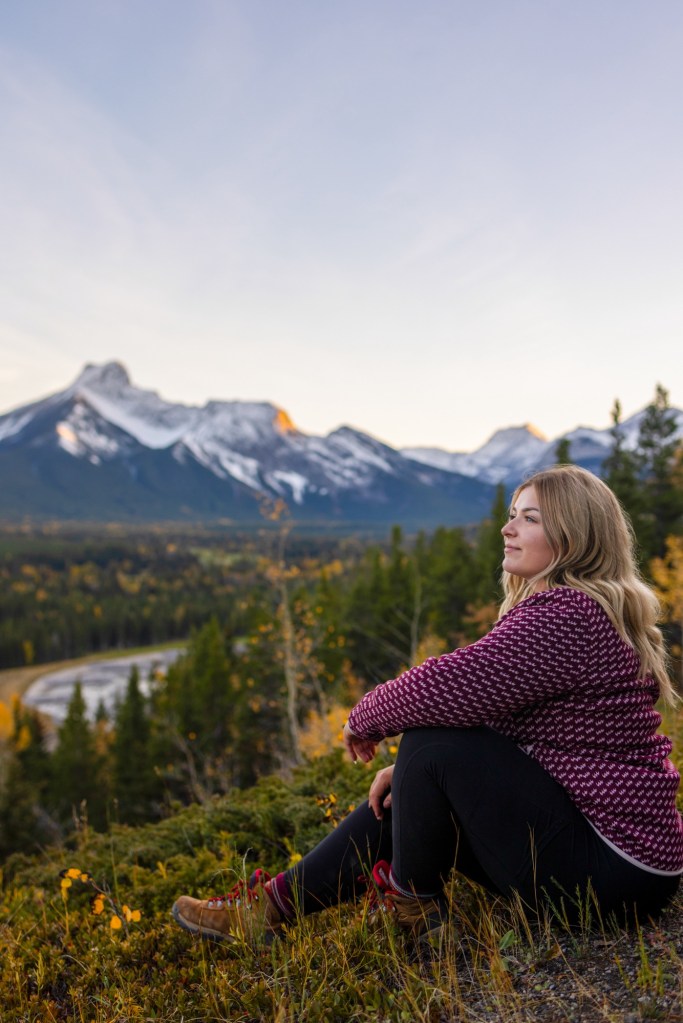


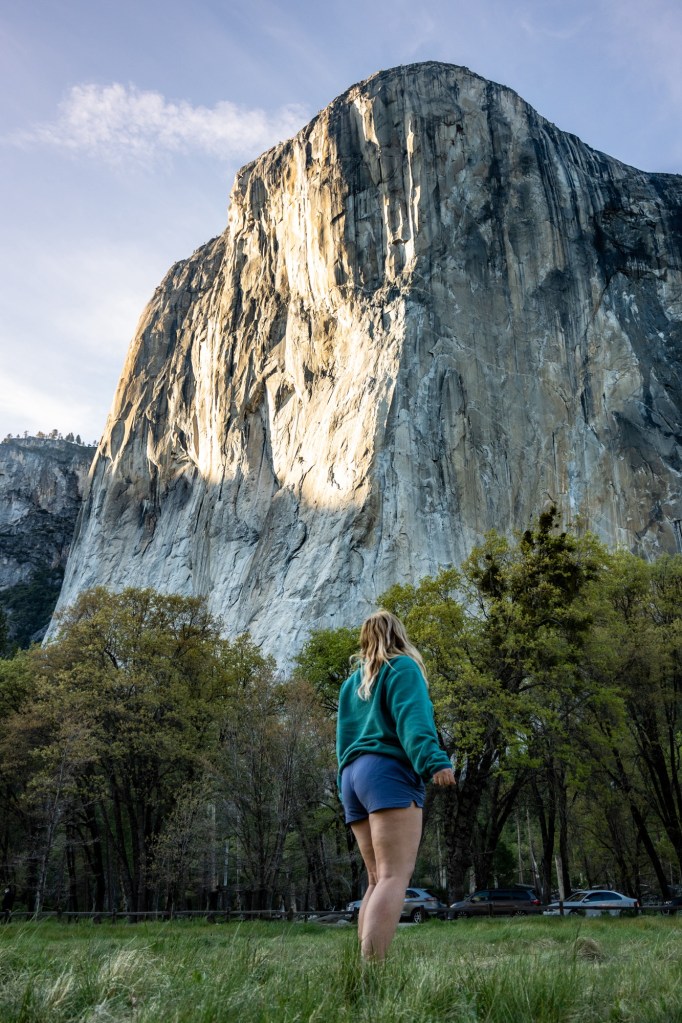
Step 2: Plan Your Route
This is the most fun step in planning a road trip, however it can be time consuming when you’re researching things like permits, operating hours, etc so make sure you give yourself lots of time to complete this step so that you can plan the best trip possible.
When planning a route, I use a variety of sources to find activities, experiences and trails.
Sources I Use:
- Pinterest (for finding blog posts about locations)
- Social Media (for finding trails, experiences, activities, stays, beaches, etc)
- AllTrails (for finding trails)
- Google Maps (for finding trails, parks, lookouts, etc)
Once you start finding places, you can start adding them to a “My Map” on Google which is a feature Google offers to create your own custom map. This is the number one tool I use when planning a road trip because it helps me to plan out the best driving route in the most efficient way. To create a custom map, type in “My Maps” on Google Chrome and click Get Started > Create New Map. Then you can use the search bar to type in the places you found from your sources, and if a name doesn’t come up you can always type in the coordinates. I like to colour coordinate my maps to help my navigate them easily as well!

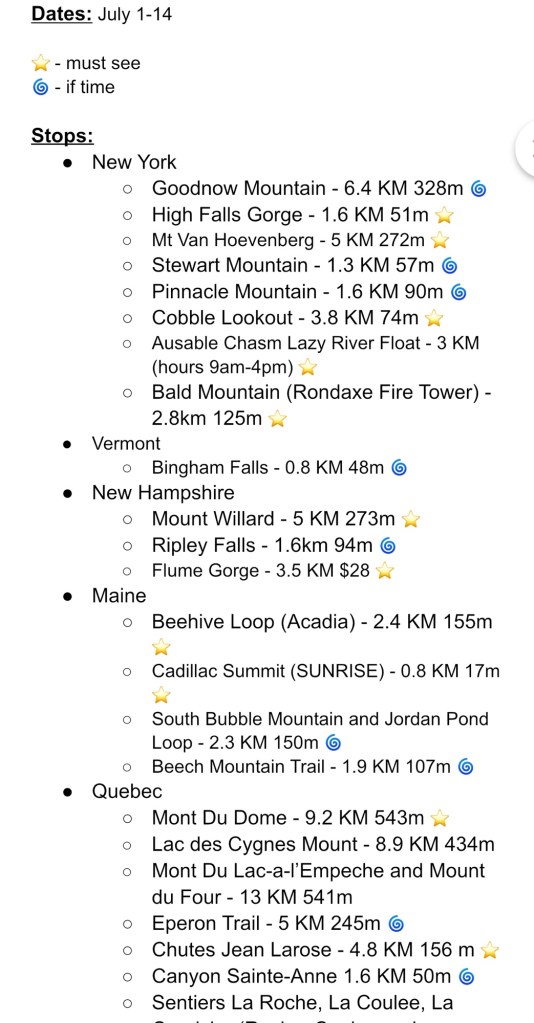
At this point you have the option to create a list on a Google Doc or Excel Sheet that includes Trail/Activity Names, length, location, and some type of scale system of how important the locations are for you to see – you can’t always have the time to see everything on your trips, so I like to score my listed items from “MUST SEE” to “maybe/if time” (add this into your colour coordination on your map too). On this doc I also like to type out the driving time between every “MUST SEE” spot to get an idea of what our schedule looks like for the trip.

Step 3: Book Accommodations/Activities/Permits
I like to tie this next step in with a few different items on my check list. This is the “booking things” time, where after you’ve decided on a route of your trip you can start booking your accommodations, (I recommend looking into campsites, hipcamp, B&B’s, or airbnb) activities, permits, or whatever else you may require. Some trails and parks require you to book in advance, so make sure you do this research prior to your trip.
Once you book your accommodations, you can add them to your custom Google map that you made! Then once your map is complete and everything is added, labelled and maybe even colour coded (do I go overboard or is this normal?) then you can download your map so you have access to it even if you’re offline.

Step 4: Prepare Vehicle + Make Packing List
This is a very important step that you do not want to overlook, prepare your vehicle! This includes oil change, checking your tires, adding gas stations to your custom map, maybe having a jerry can in your vehicle. It’s really important that you take care of the vehicle you’re travelling in to avoid any issues!
The last tip I am going to recommend to you is to make a packing list. For me, this is the most effective way for me to pack everything without forgetting any important items. I like to start my list at least a week before my trip, so I can add to it as the days go by when something comes to mind.
Here are some important items to include on your list:
- Phone Charger
- Map
- Passport/Travel Documents
- Snacks
- Water
- Camera (and Charger!)

Other Road Trip Tips:
- Make a playlist/download a podcast
- Make space on your phone/camera for photos
- Research the area you’re visiting for the Season you’re visiting in
- Tell loved ones where you’re going and give them a copy of your map
- Save a roadside assistance number to your phone just in case
- Consider travel insurance (if you have a travel credit card, you may already have some!)
I hope this blog post was helpful for you in planning a road trip. Let me know where you end up travelling too!
Happy Adventurin’
Katie 🥾

 yourmatiekatie